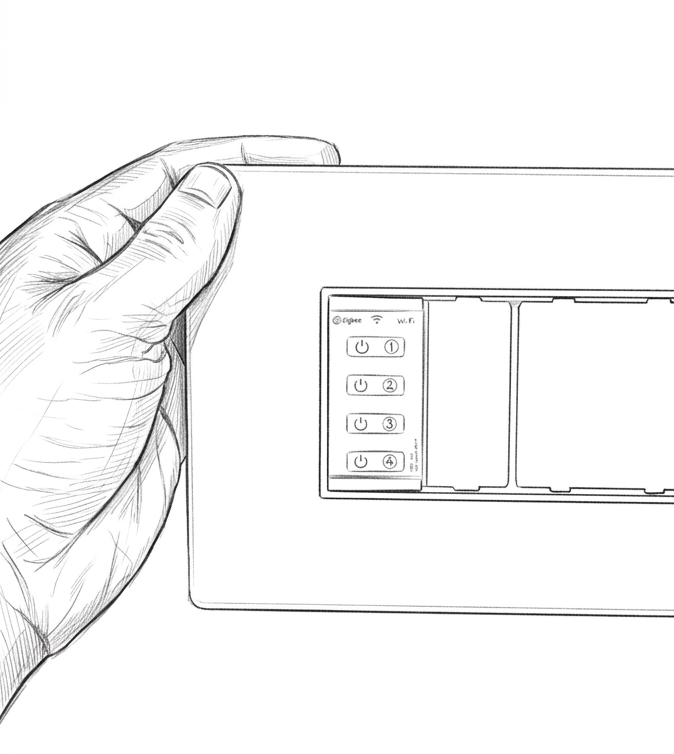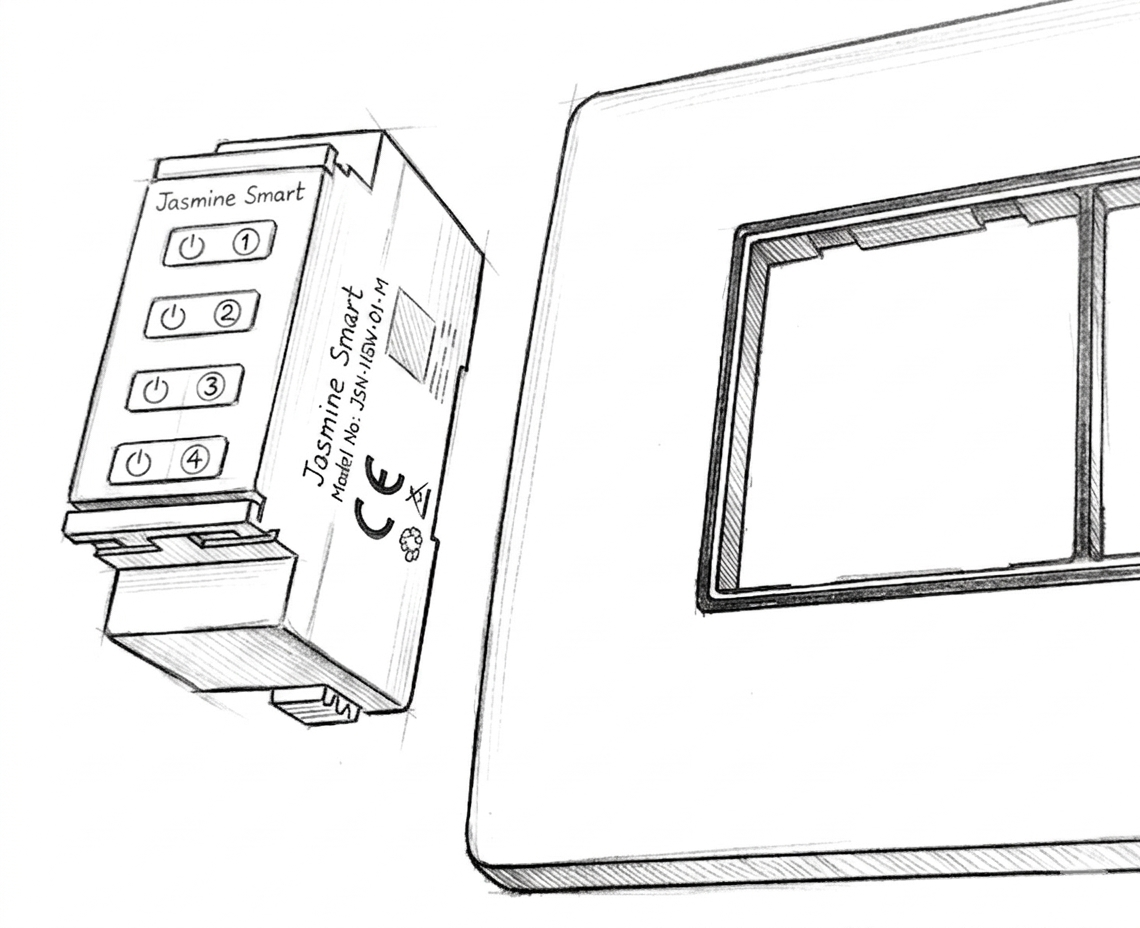
Product Specs
- Device Hybrid Smart Switch
- Brand Jasmine Smart
- Model Number JSH-HSW-01-N
Important Safety Notice
Before you begin: Ensure that all power to the modular board is completely turned off at the main circuit breaker to prevent electrical hazards during installation. Do not skip this step!
Step-by-Step Video Guide
Visual learner? Watch the detailed video demonstration below.
Mechanical Fitting Instructions
Please adhere to the following standardized procedures to ensure the secure and proper mechanical installation of your smart switch module.
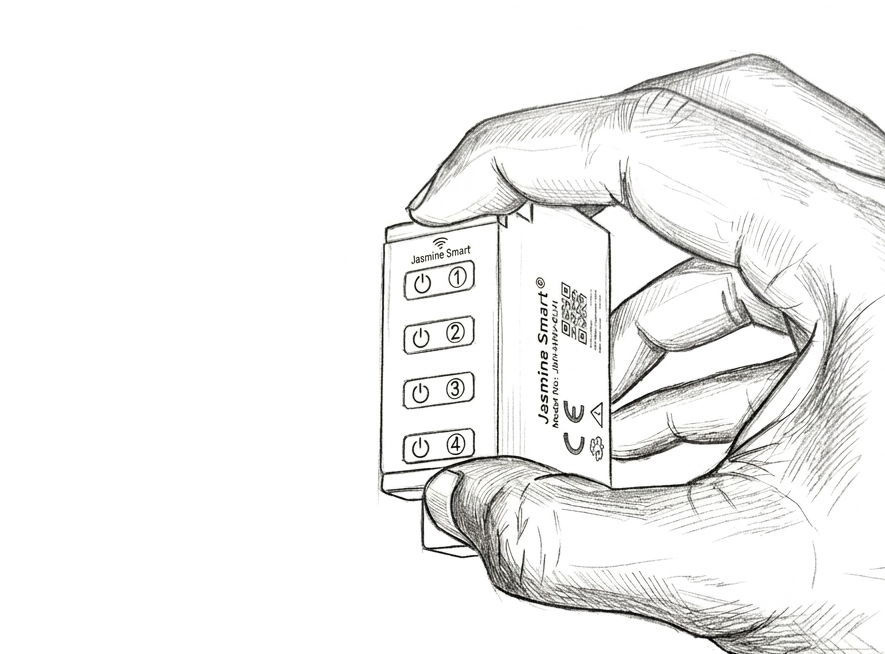
Engage the Latches
Grip the smart switch module securely. Using your thumb and index finger, press the top and bottom latches together firmly at the same time.
Apply even pressure to both the top and bottom latches simultaneously to prevent the module from inserting at an awkward angle.
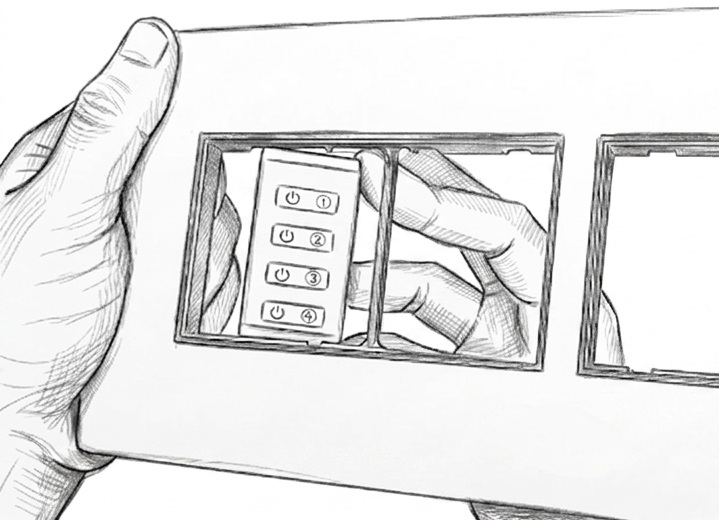
Align and Insert
While maintaining pressure on both latches, angle the device slightly. Carefully guide one corner of the smart module's front face into the designated switch receptacle on the modular board.
Secure the Module
Push the module fully straight into the cavity. The latches will expand and securely lock the device into the board. You will hear an audible "click" sound when the switch is properly and safely seated.
Listen for the "click" to ensure the module is completely flush with the board faceplate.